See what AI says about your brand. Get your free
See exactly how your pages will appear on Google, Bing, and other search engines. Test titles, meta descriptions, and URLs time
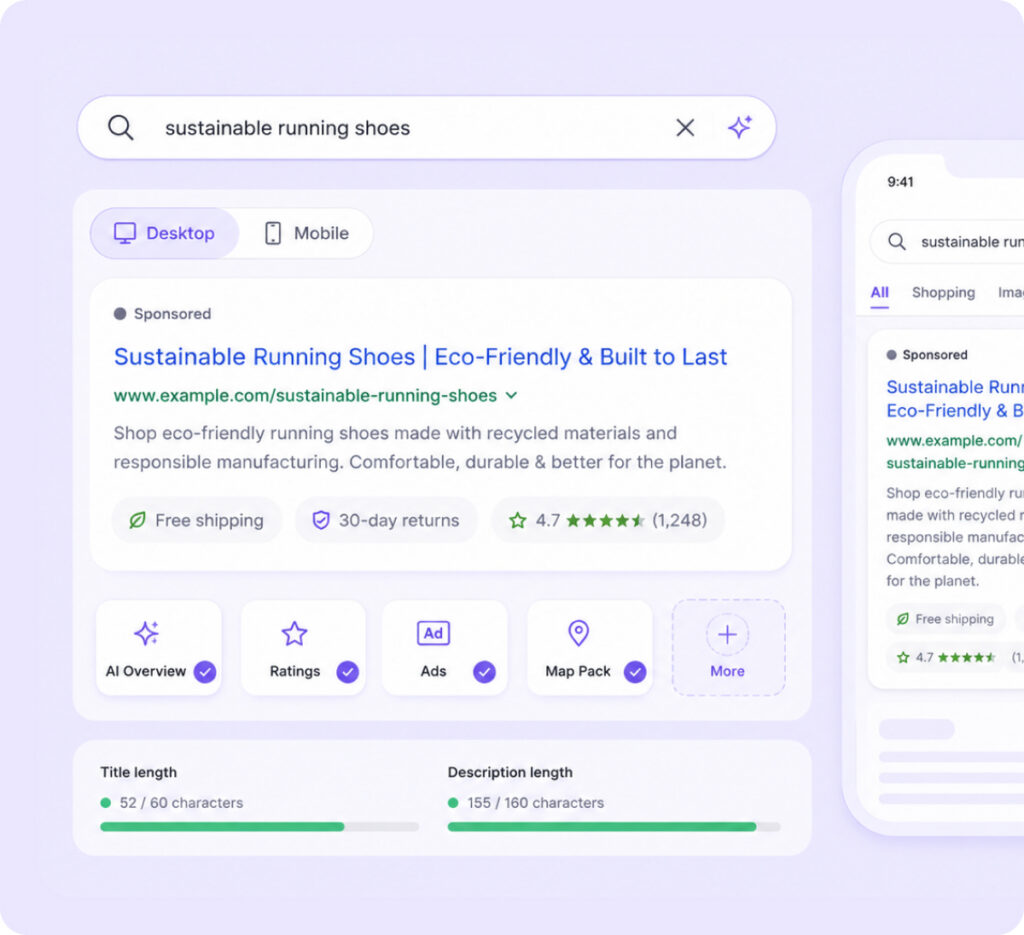
The SERP Simulator lets you see exactly how your page will appear in search results. You can enter your page details manually, like site name, title, and meta description, or fetch them directly from a live URL. Once added, the tool generates a live preview, allowing you to switch between desktop and mobile views to see how your snippet appears on different devices.
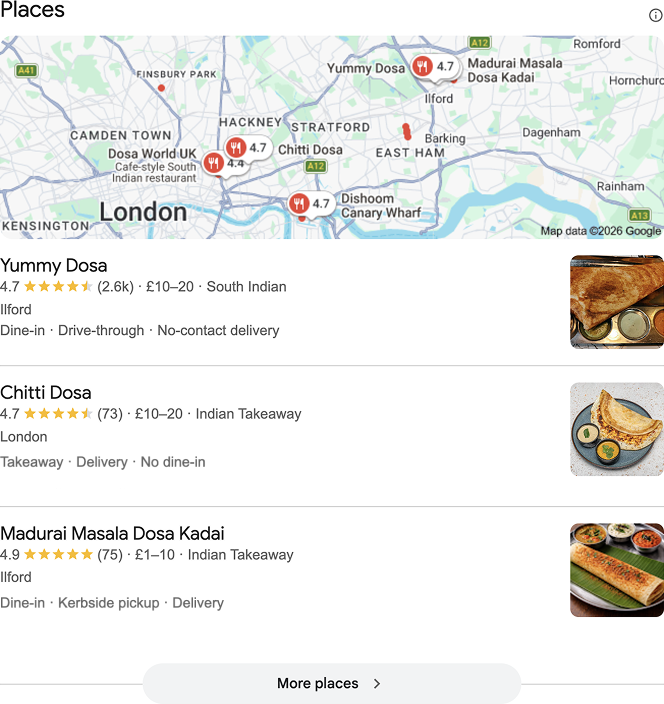
You can also test additional SERP features, such as AI Overview, ratings, dates, ads, map packs, and other search elements, helping you understand how your listing may look. This makes it easy to optimize your title, description, and overall snippet before publishing or updating your page.
Fetch your webpage URL to automatically fill the site name, title, and description. See exactly how your snippet will appear before publishing.
Switch between desktop and mobile previews to check how your snippet looks across different devices.
Preview additional elements like AI Overview, ratings, dates, ads, and map packs to understand how your result may appear in enhanced search layouts.
Test and refine page titles for clarity and proper length.
Evaluate AI Overview, Ratings, Ads, and Map Packs.
Adjust meta descriptions to boost readability and clicks.
Check competitor snippets to improve your positioning.
See how your page appears on desktop and mobile.
Ensure titles and descriptions display fully.
Search results are often the first interaction users have with your brand. Your page title, meta description, URL, and other SERP elements play a key role in whether someone clicks or scrolls past.
Our SERP Simulator lets you preview exactly how your page will appear before it goes live. You can check title length, rewrite your description, compare desktop and mobile views, and see how features like AI Overview, ratings, ads, dates, or map packs appear in your snippet.
With search results becoming more visual and competitive, previewing your snippet helps you boost visibility, clarity, and click-through rates.
A SERP preview helps you improve how your page looks before it goes live. But after publishing, you also need to know how your brand appears across search results and AI platforms.
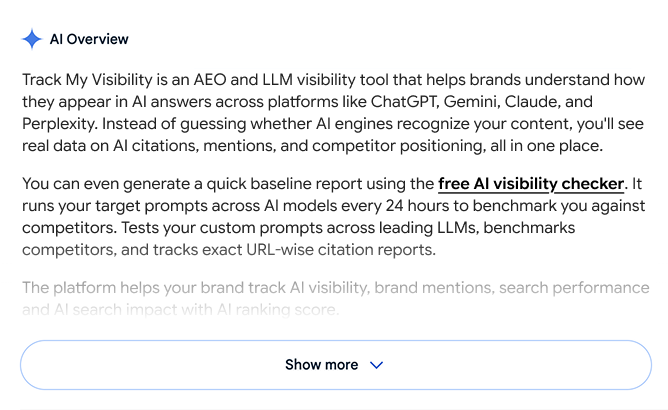
Use our free AI visibility checker to see where your brand currently stands. For deeper tracking, Track My Visibility helps monitor mentions, rankings, and citations across platforms like ChatGPT, Perplexity, Gemini, and Google AI Overviews, so you can understand how your content performs after it gets discovered.
AI platforms are becoming just as important as search engines. Track your brand’s visibility across ChatGPT, Perplexity, Gemini, and more with us.
A SERP Simulator is a tool that shows how your webpage will appear in search engine results. It helps you preview titles, meta descriptions, URLs, and other search elements before publishing.
Yes. You can manually enter your site name, title, and meta description to see a live preview, or fetch details directly from a live URL.
Absolutely. The simulator lets you switch between desktop and mobile views to see how your snippet appears on different devices.
You can preview additional elements like AI Overview, ratings, dates, ads, map packs, and other search features to understand how your listing may appear in search results.
Even a well-written page can lose clicks if the search snippet isn’t clear or engaging. Previewing your snippet helps you optimize titles, descriptions, and layout to boost readability, visibility, and click-through rates.
Yes, you can start using the SERP Simulator to preview and optimize your search snippets without any cost.