Canonical Tag Checker
Check whether a page has the correct canonical tag, identify conflicts, and confirm which URL search engines are being asked to index.
- Free
- No account required
Checking Your Canonical Tag
You’ve checked your canonical URL. Now see how your brand appears in AI answers.
What is a Canonical Tag?
A canonical tag (rel=”canonical”) is a snippet of HTML code that tells search engines the main or preferred URL for a webpage. It stops duplicate content problems by pointing extra or copy pages back to the one true master page.
This allows search engines to combine ranking signals and index the correct URL.
How Does the Canonical Tag Checker Work?
Enter the webpage URL you want to analyze. The canonical tag checker scans the page’s HTML, finds its canonical tag, and shows the preferred URL specified in the code.
It also flags missing, incorrect, duplicate, or conflicting canonical tags so you can quickly fix potential indexing and duplicate content issues.
Canonical Detection
Finds the canonical tag in the page’s HTML and checks whether it points to the correct URL.
URL Validation
Verifies the canonical URL, HTTP status, and whether the preferred page can be indexed.
Instant Diagnosis
Provides a clear result and highlights any canonical issues that may need to be fixed.
How to Use Your Canonical Tag Checker
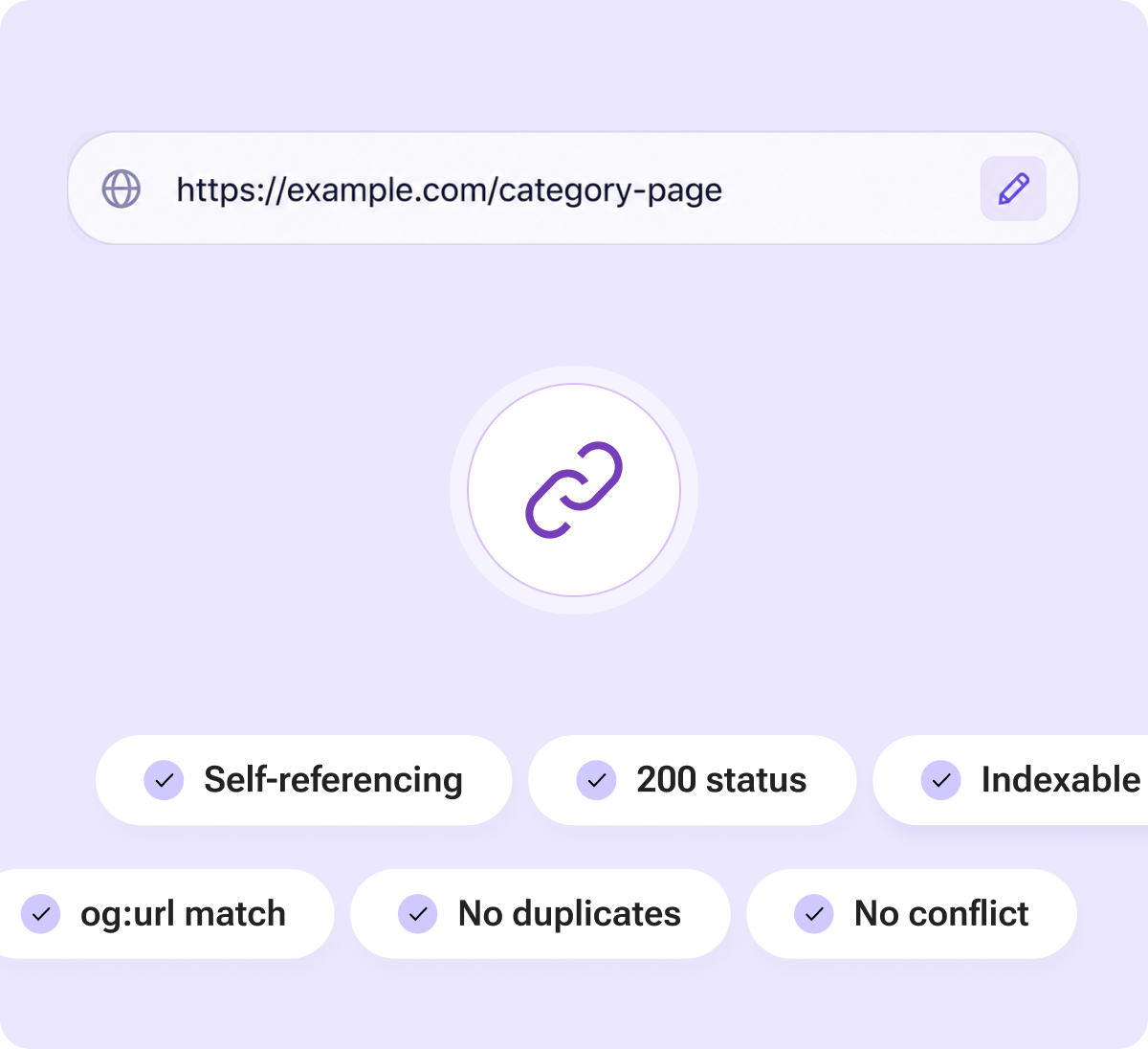
Canonical tag is present in the page head
Meta robots tag does not block indexing
Canonical URL returns a 200 status and does not redirect
Open Graph URL matches the canonical URL
Canonical URL matches the page you want indexed
No duplicate canonical tags on the same page
How Canonical Tag Insights Improve Your SEO
Search engines may find the same content through multiple URLs. The Canonical Tag Checker identifies the preferred URL specified in the page’s HTML and confirms whether the tag is set correctly.
It also checks for missing, duplicate, invalid, or conflicting canonical tags, along with redirects and indexing signals that may prevent search engines from selecting the right page.
Use these insights to resolve duplicate content issues, consolidate ranking signals, and help search engines index the URL you want to appear in search results.
Improve Indexing and Monitor AI Visibility
Canonical tags help search engines identify which version of a page should be indexed. Fixing missing or incorrect tags reduces duplicate content issues and keeps ranking signals focused on the preferred URL.
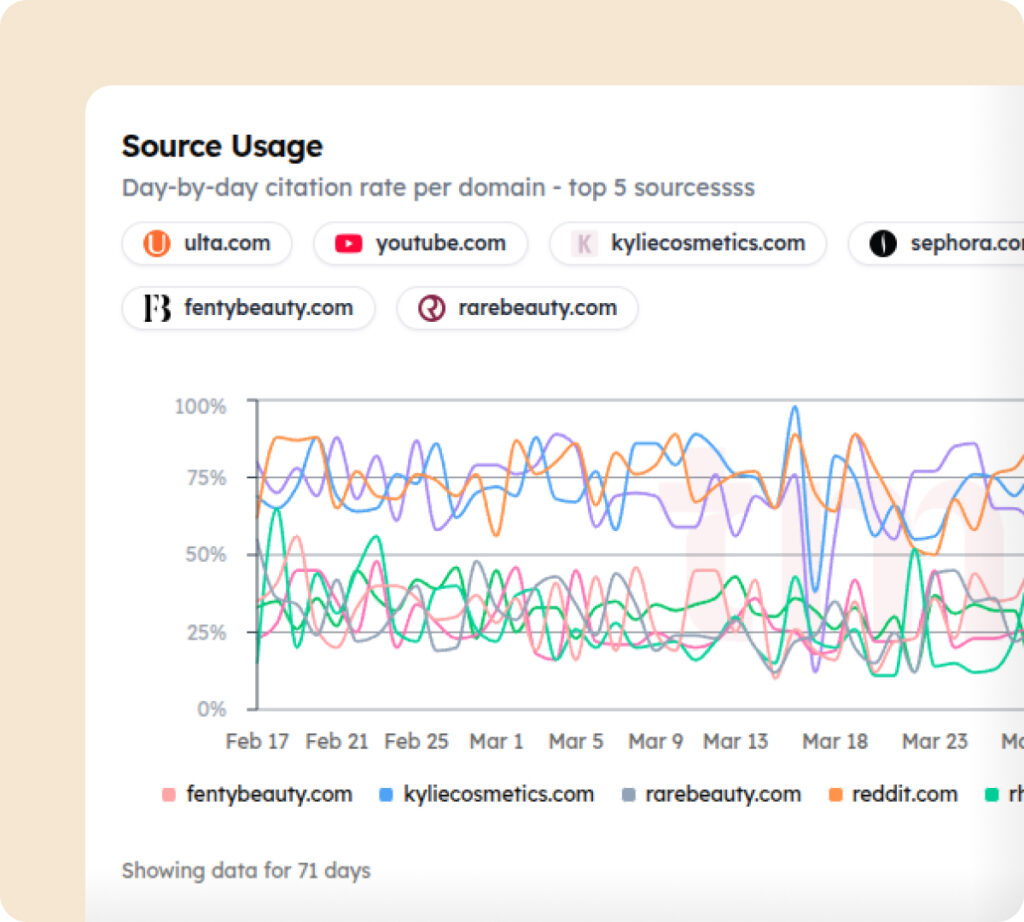
Once the right page is indexed, Track My Visibility shows whether it appears in AI-generated answers, earns citations, and gains visibility across platforms like ChatGPT, Gemini, and Perplexity.
Start tracking your AI visibility today
Got Doubts?
Quick answers to the most common questions about AI Search and Track My Visibility.
What does a Canonical Tag Checker do?
A Canonical Tag Checker scans a webpage to find its rel=”canonical” tag and shows which URL is marked as the preferred version. It can also highlight missing, duplicate, or conflicting canonical tags.
Why are canonical tags important for SEO?
Canonical tags help search engines understand which version of a page should be indexed when similar or duplicate URLs exist. This can help consolidate ranking signals around the preferred URL.
What happens if a page has no canonical tag?
A missing canonical tag does not automatically cause an SEO problem, but search engines may have to choose the preferred URL themselves. Adding the correct canonical can provide a clearer signal.
Should every page have a self-referencing canonical tag?
For most indexable pages, a self-referencing canonical is a useful SEO practice. It confirms that the current URL is the preferred version when no alternate page should replace it.
How does Track My Visibility help after fixing canonical issues?
Once your preferred pages are correctly set up, Track My Visibility helps you see whether your brand and content appear in AI-generated answers. You can monitor mentions, citations, visibility, and performance across major AI search platforms.
Can a page have more than one canonical tag?
It should not. Multiple canonical tags can send conflicting signals and may cause search engines to ignore them. Ideally, each page should have one clear canonical URL.