



How to Improve Your Al Visibility: A 90-Day Playbook
Wed 2 Sept, 7:30 PM IST :
D
H
M

Wed 2 Sept. 7:30 PM IST

How to Improve AI Visibility

See what AI says about your brand. Get your free

Free Google AI Mode Tracker

AI Mode turns one question into dozens of hidden searches. See which ones you're showing up for.

By submitting, you acknowledge that Track My Visibility will process your personal data in accordance with our Privacy Policy.
Powered By:

What's Inside Your Report

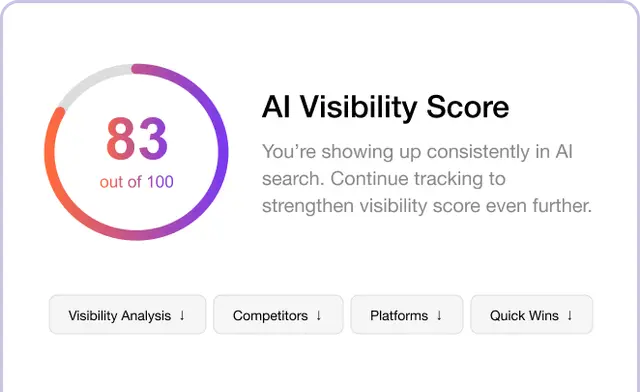
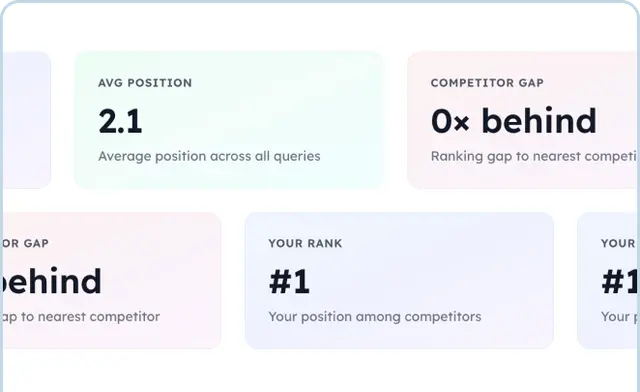
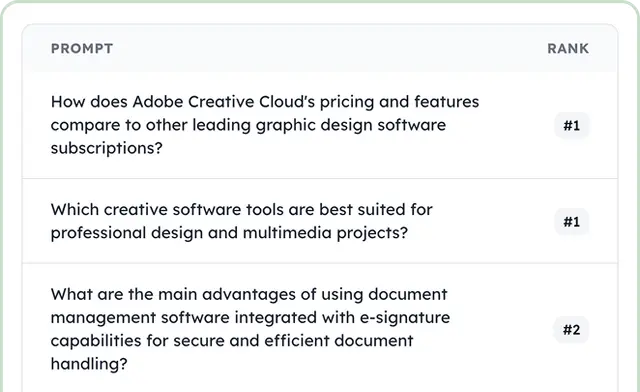
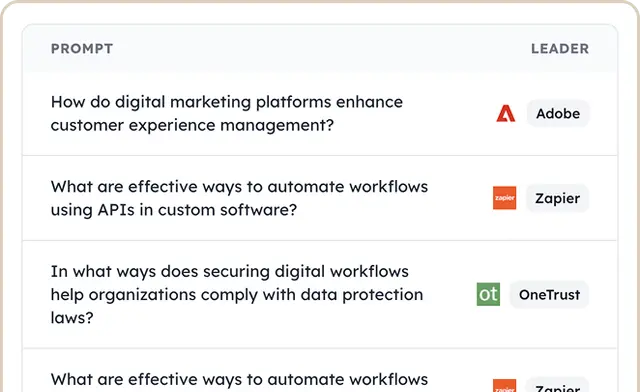
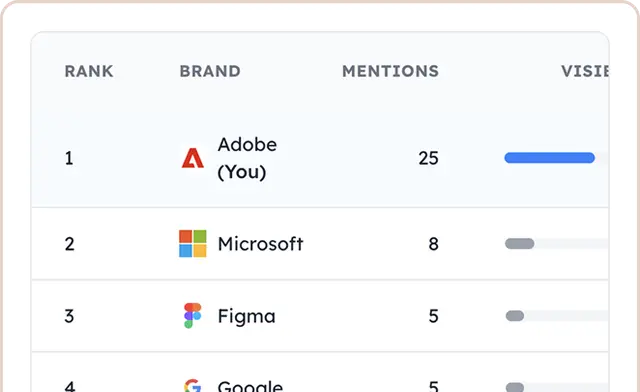
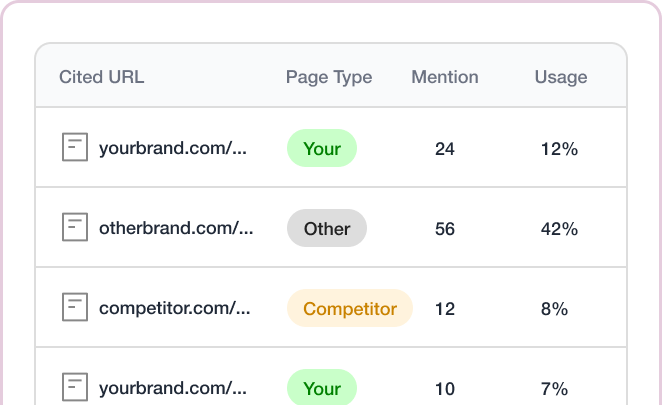
Your free AI Mode Tracker report shows how your website appears across important Google AI Mode queries. See where your brand is mentioned, which queries drive visibility, which competitors appear more often, and which pages are earning citations.
How often you're cited across the answers AI Mode gives for your category.
AI Mode breaks each question into sub-questions. This shows which of those you're covering and which you're missing.
Conversations where your pages are already being used.
The hidden sub-questions where somebody else gets cited.
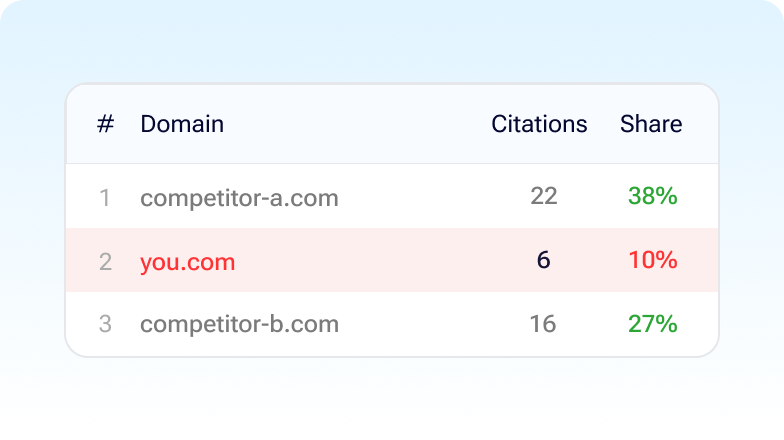
The domains appearing across your category's sub-questions.
How the same questions land on ChatGPT, Perplexity and Claude, none of which fan out this way.

What Is AI Mode Tracking?

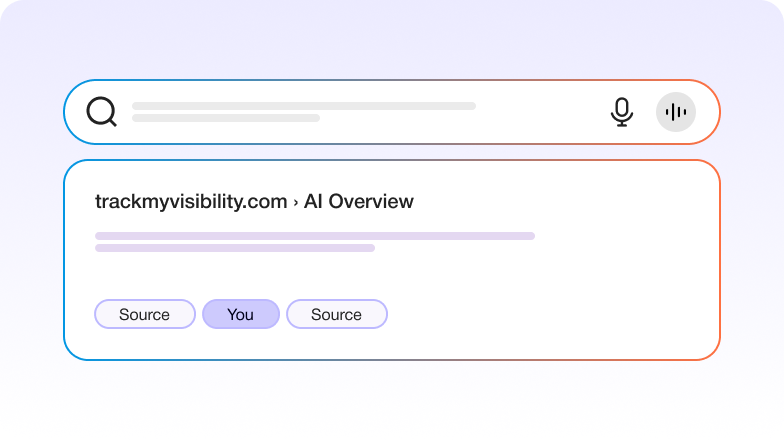
AI Mode is Google’s separate conversational search tab. It isn’t the summary above your normal results, which is AI Overviews. Here you ask a complicated question, get a detailed answer, and can keep asking follow-ups in the same thread.

The part that matters is what happens after you hit enter. Rather than searching for what you typed, AI Mode splits your question into narrower sub-questions and searches for each one separately. So you’re not competing for the question someone typed. You’re competing for questions they never typed and can’t see, which is why a page covering your topic broadly can lose to one that answers a single sub-question properly. Run the same query twice and the sources often differ.

How to Track Your AI Mode Visibility

Add your domain

We look at which of your pages get pulled into AI Mode answers, since citation happens at page level rather than brand level.

Give us the questions your buyers ask

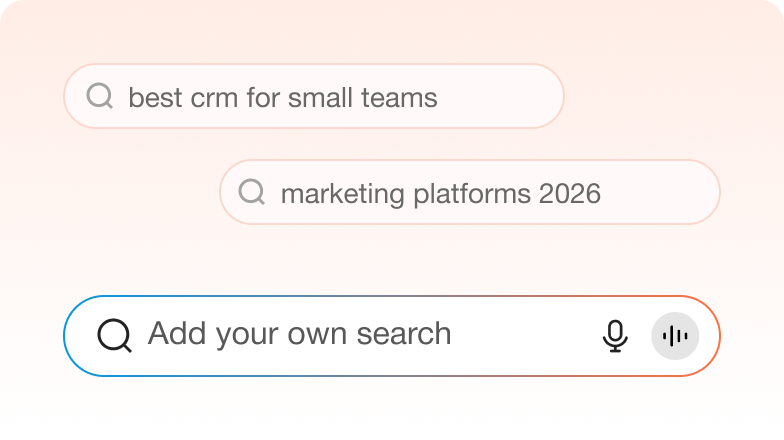
Longer, messier questions work best here, because that's what AI Mode is built for and what triggers the most fan-out.

We run them and unpack the fan-out

Recording not just whether you appear, but which underlying sub-questions you're being cited for.

You get the coverage map

Where you show up, which sub-questions you're missing, and who's filling those gaps instead.

What Marketing Teams Ask Before They Start Tracking AI Mode

The questions people usually have before they try this out.
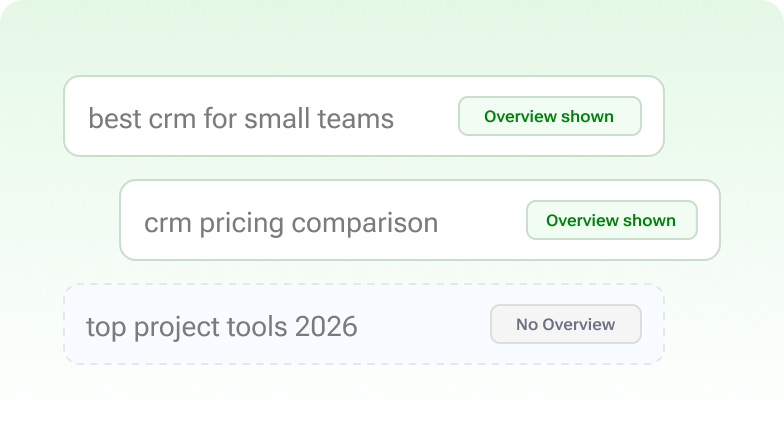
How is this different from AI Overviews?
Different surface, different behaviour. AI Overviews is the summary on the normal results page. AI Mode is a separate tab built for longer, conversational questions, and it fans each one out into multiple searches. We track them separately because optimising for one doesn’t automatically get you the other.
Does ranking well on Google help here?
It helps, but far less than it used to. Citation and ranking have drifted apart enough that plenty of cited pages sit outside the first page of normal results.
Can we see which sub-questions we're losing?
That’s the most useful part of the report. Knowing you’re absent is one thing. Knowing you’re absent from the pricing comparison sub-question specifically is something you can act on.
What is fan-out, in plain terms?
Google splits your question into several narrower ones and searches for each. You end up being judged on questions the searcher never actually typed.
What is fan-out, in plain terms?
Google splits your question into several narrower ones and searches for each. You end up being judged on questions the searcher never actually typed.
Why do we appear one time and not the next?
Repeat runs of the same question often use noticeably different sources. It’s one of the least consistent surfaces out there, which is exactly why repeated testing matters.

Trusted by Growing Teams

Hear how early adopters of our LLM visibility tool use it for tracking AI citations, URL-wise reports, and improving AI visibility.

Got Doubts?

Quick answers to the most common questions about AI Search and Track My Visibility.

Is this actually free?

First report free, no card needed. Scheduled tracking is part of the paid plans.
No. AI Overviews appears above your normal search results. AI Mode is a separate tab for longer conversational questions and behaves quite differently. If you want the other one, use the AI Overviews Tracker.
It rewards pages that answer specific questions properly over pages that cover a topic broadly. The sub-questions are where the competition actually happens.
Because the sub-questions and the sources chosen for them vary. That inconsistency is a real characteristic of the surface, not a fault in the tracking.
It’s built on Google’s Gemini models, but it’s a distinct search product from the Gemini app, which has its own page here.
Yes, across the same question set and the same fan-out breakdown.
Pick the sub-questions with the clearest commercial intent and make sure you have a page that answers each one directly rather than in passing.
We’ll test top niche queries and send you the report.

Run Your AI Visibility Check in 2 Minutes.